How to Start a YouTube Channel: A Beginner's Checklist
Starting a YouTube channel feels daunting, but the setup is genuinely straightforward — and most people overthink it instead of just beginning. This checklist walks you through getting a channel set up properly and publishing your first video, without getting lost in gear and perfectionism.
Step 1: Pick a focus
Channels grow fastest when viewers know what to expect. Choose a clear niche or theme — cooking, coding tutorials, fitness, reviews — rather than posting random unrelated videos. You can broaden later, but early on, focus helps both the algorithm and your audience understand you.
Step 2: Create and brand the channel
You just need a Google account. Pick a memorable channel name, then set up the visual basics: a clear profile picture and a channel banner. Keep the branding consistent with any other platforms you use, and size your images correctly (see our social media image sizes guide) so nothing looks cropped or blurry.
Step 3: Don't wait for perfect gear
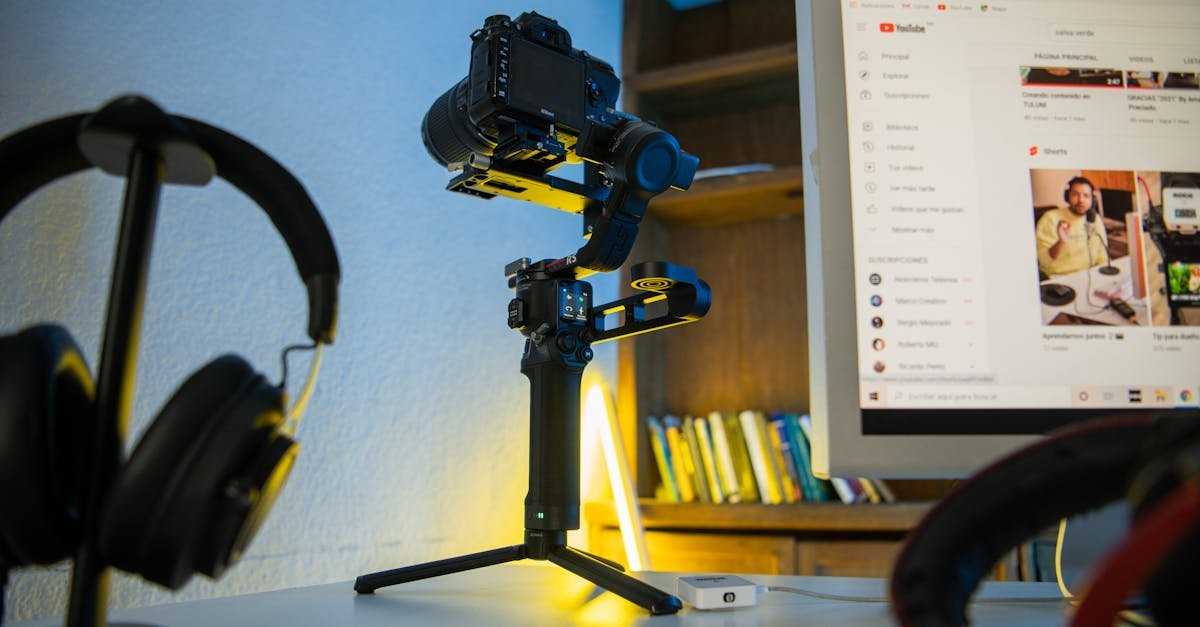
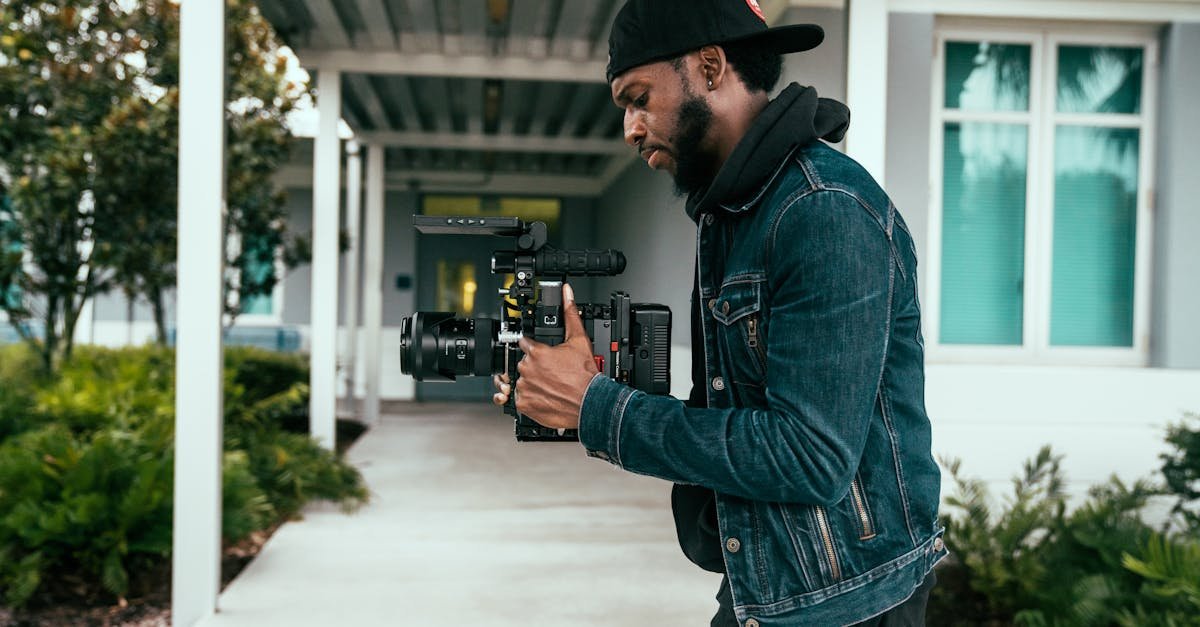
A modern smartphone shoots great video. Good lighting (a window works) and clear audio matter far more than an expensive camera — viewers forgive average video but switch off bad audio. Start with what you have; upgrade once you know you'll stick with it.
Step 4: Plan and record your first video
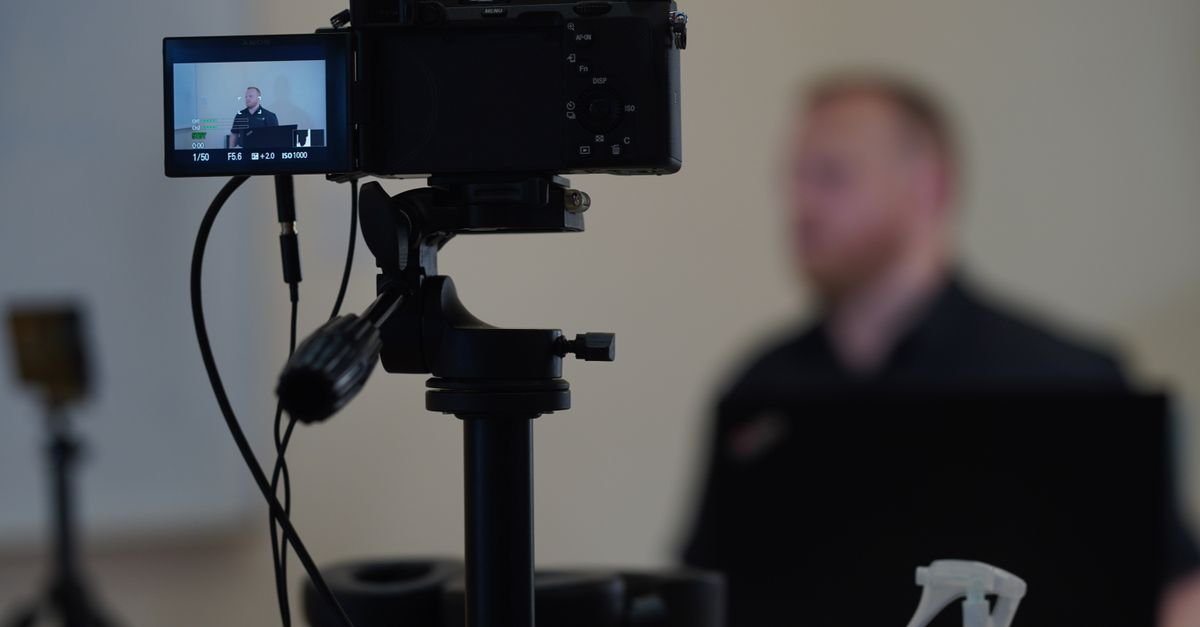
Pick a topic you can genuinely help with, jot down a simple structure (hook, main content, call to action), and record. Aim for a strong first 15 seconds — that's where viewers decide to stay or leave. Done beats perfect; your tenth video will be far better than your first, so get the first one out.
Step 5: Optimise before you publish
This is where many beginners leave views on the table. Before hitting publish:
- Write a clear, keyword-led title — check its length with the title length checker.
- Design a bold custom thumbnail (our thumbnail guide shows how).
- Write a keyword-rich description and add tags with the tag generator.
For the full picture, our YouTube SEO guide covers it all.
Step 6: Be consistent and learn from the data
Consistency beats intensity — a realistic schedule you can keep matters more than a burst that burns you out. After a few videos, study your analytics (click-through rate and retention) to see what's working, and do more of it. YouTube's official Creators resources are a solid free learning hub.
Bottom line
Pick a focus, set up clean branding, start with the gear you have, optimise every upload's title-thumbnail-description, and post consistently while learning from your analytics. The hardest part is publishing the first video — do that, and everything else is iteration.