QR Codes for Small Business: A Practical Guide
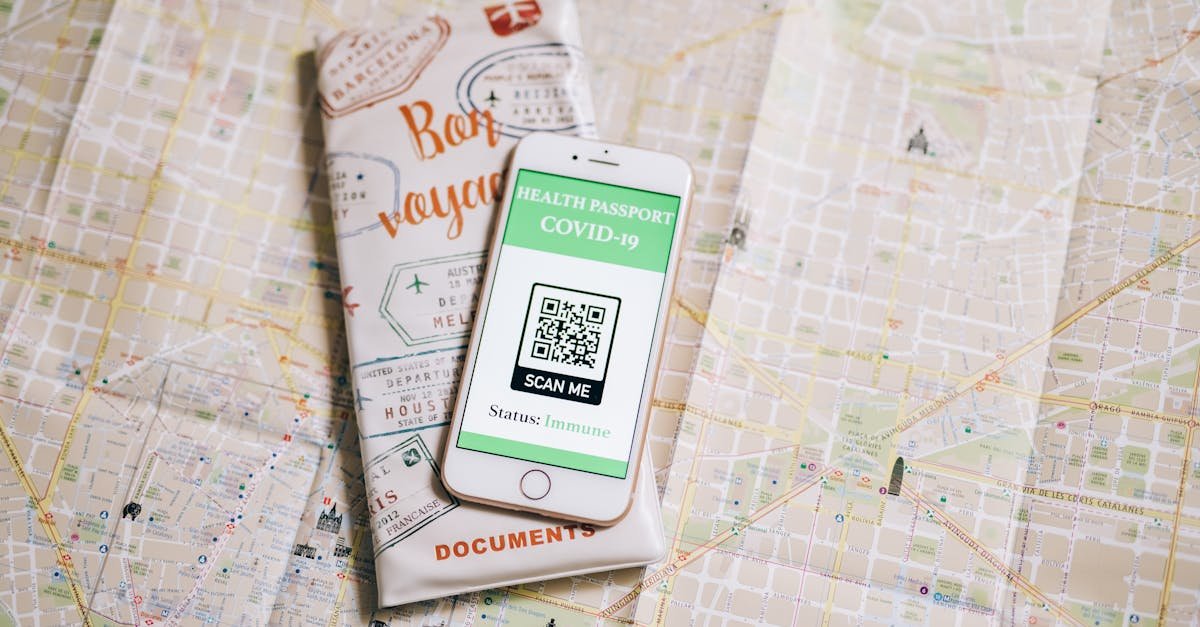
QR codes went from forgotten novelty to everyday tool almost overnight, and for a small business they're one of the cheapest, fastest ways to connect a physical touchpoint to a digital action. A printed square on a table tent, a window, or a business card can open a menu, a booking page, or a Wi-Fi connection with a single scan — no app, no typing.
Used well they feel effortless; used badly they frustrate customers and waste your print budget. Here's how to get them right.
First, start with the goal
A QR code is just a doorway — what matters is where it leads. Before generating anything, decide on the single action you want: view the menu, leave a review, book a table, follow on social, or pay. Generate a code for any link with our free QR code generator and download a high-resolution PNG ready for print. One code, one clear purpose, works far better than a cluttered code that tries to do everything.
Share Wi-Fi without sharing the password aloud
Few things annoy guests more than squinting at a long Wi-Fi password taped to the wall. Let them connect by scanning instead. Our Wi-Fi QR code generator encodes your network name and password into a single code — scan it and the phone joins automatically. It's perfect for cafés, salons, waiting rooms, and Airbnb listings, and you can reprint it instantly whenever you rotate the password.
Turn business cards into instant contacts
Paper business cards get lost; phone contacts don't. A vCard QR code lets someone save your name, phone, email, and website to their contacts with one scan — ideal for business cards, trade-show banners, and email signatures. It removes the friction of manual typing, which is exactly where most networking follow-ups die.
Design tips that prevent dead scans
QR codes include built-in error correction — defined in the QR code standard — so they can still scan with minor damage or a small logo overlaid. But you can still kill a code with bad print choices. Follow these:
- Keep the quiet zone: leave clear margin around the code; don't crowd it with text or borders.
- Size it right: print at least 2 × 2 cm, and larger for codes scanned from a distance (posters, windows).
- Contrast matters: dark code on a light background scans best; avoid low-contrast or inverted colours.
- Never bend the rules on reflective surfaces: glossy laminate and curved bottles can defeat the scanner.
- Always test the printed version with two or three different phones before ordering in bulk.
Add a call to action
People don't scan blank squares — they scan when they know what they'll get. Pair every code with a short instruction: "Scan for our menu" or "Scan to join our Wi-Fi". That one line dramatically increases scan rates.
Bottom line
Pick one clear action per code, generate a high-resolution version, design for contrast and quiet space, label it with a call to action, and test before you print. Done right, QR codes are a near-free bridge between your shopfront and everything you do online.