What Is Two-Factor Authentication (2FA) and Why You Need It
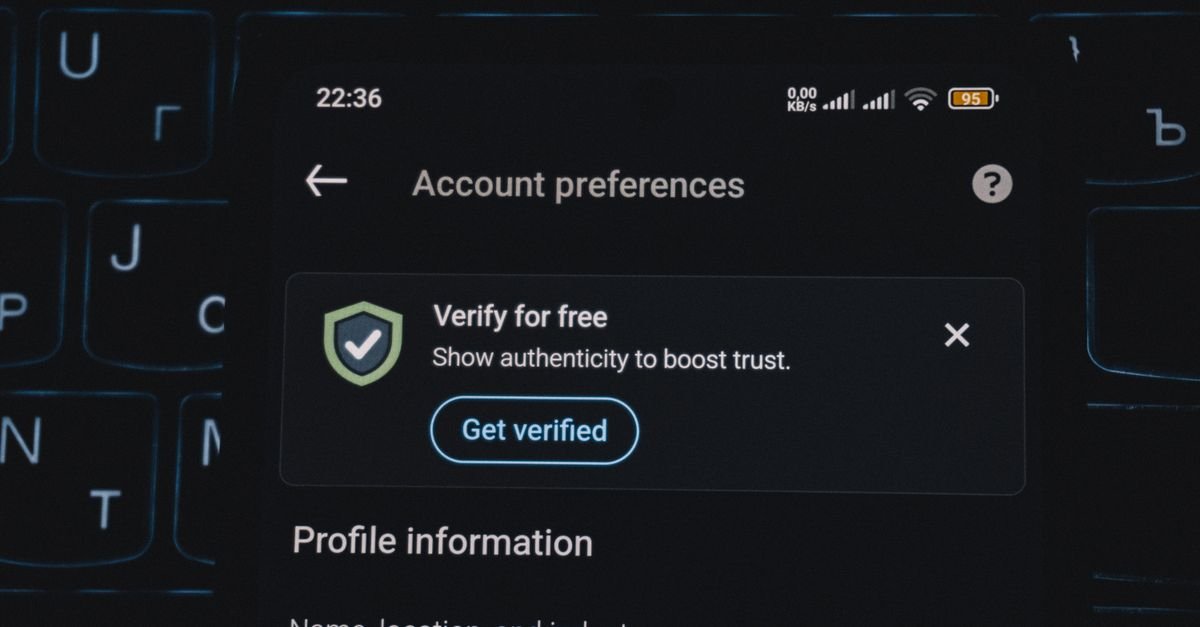
You can have the strongest password in the world and still lose your account — because passwords leak in data breaches all the time. Two-factor authentication (2FA) is the simple second lock that stops a stolen password from being enough to get in. If you do one thing for your online security this week, make it this.
What 2FA actually is
Authentication factors come in three kinds: something you know (a password), something you have (your phone or a security key), and something you are (a fingerprint or face). 2FA simply requires two of these instead of one. So even if an attacker steals your password, they still can't log in without your second factor.
The types, from weakest to strongest
- SMS codes: a text with a one-time code. Better than nothing, but vulnerable to "SIM-swap" attacks where criminals hijack your phone number.
- Authenticator apps: apps like Google Authenticator or Authy generate rotating codes on your device. Much safer than SMS and free.
- Hardware security keys: physical devices (like a YubiKey) you plug in or tap. The gold standard — virtually phishing-proof.
Wherever you can, choose an authenticator app or hardware key over SMS.
Why it stops most attacks
The vast majority of account takeovers rely on stolen or reused passwords (which is why you should never reuse them — see our strong password guide). 2FA breaks that attack entirely: the password alone is useless. Major security agencies, including the US CISA, rank enabling MFA among the single most effective things individuals can do.
Where to turn it on first
Start with your email — it's the master key, because password resets for everything else go there. Then your bank, your password manager, and your main social and cloud accounts. Most services have it under Settings → Security.
Don't forget backup codes
When you enable 2FA, you'll usually get backup codes. Save them somewhere safe (not in the same place as your password). They're your way back in if you lose your phone — without them, you can be locked out of your own account.
Bottom line
2FA requires a second proof of identity, so a leaked password isn't enough to break in. Use an authenticator app or hardware key rather than SMS, enable it on your email first, and store your backup codes safely. It's the highest-impact five minutes you can spend on your security.