KB, MB, GB and TB: How to Convert Data Storage Units
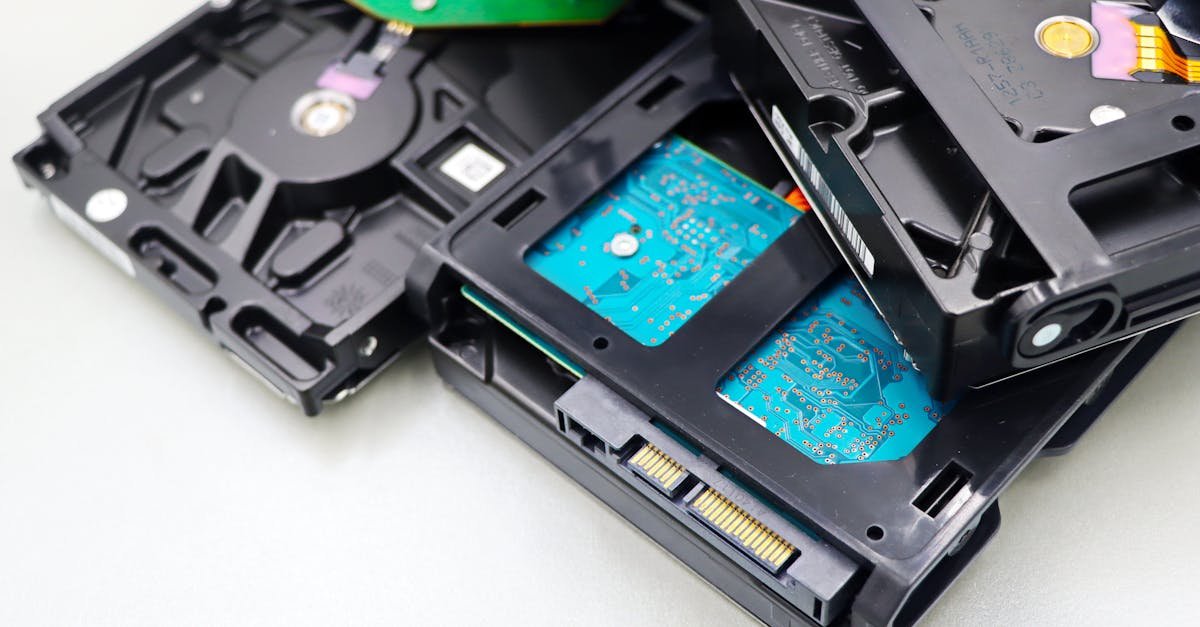
You buy a 1 TB drive and your computer reports ~931 GB — did you get short-changed? No, but data units have a genuine ambiguity worth understanding.
The units
The chain is bit → byte → KB → MB → GB → TB, each step ×1,000 (decimal) or ×1,024 (binary). 8 bits = 1 byte. The confusion is that manufacturers use 1,000 (so 1 TB = 1,000,000,000,000 bytes) while operating systems often count in 1,024 — which is why the same drive "shrinks" on screen.
Decimal vs binary (KB vs KiB)
Technically, 1,024-based units are KiB/MiB/GiB (kibibytes…), and 1,000-based are KB/MB/GB. In practice the terms get mixed, which is the root of the "missing space." Knowing this saves a lot of confusion.
Convert any data size
Our free digital storage converter handles bits, bytes, KB, MB, GB, TB and the binary variants. For estimating site data transfer, see our bandwidth guide.
Bottom line
Each unit jumps by ~1,000 (decimal) or 1,024 (binary), and the mismatch between the two is why drives look smaller than advertised. Nothing's missing — it's just two counting systems sharing similar names.